






















Sitefinity Headless CMS with Next.js
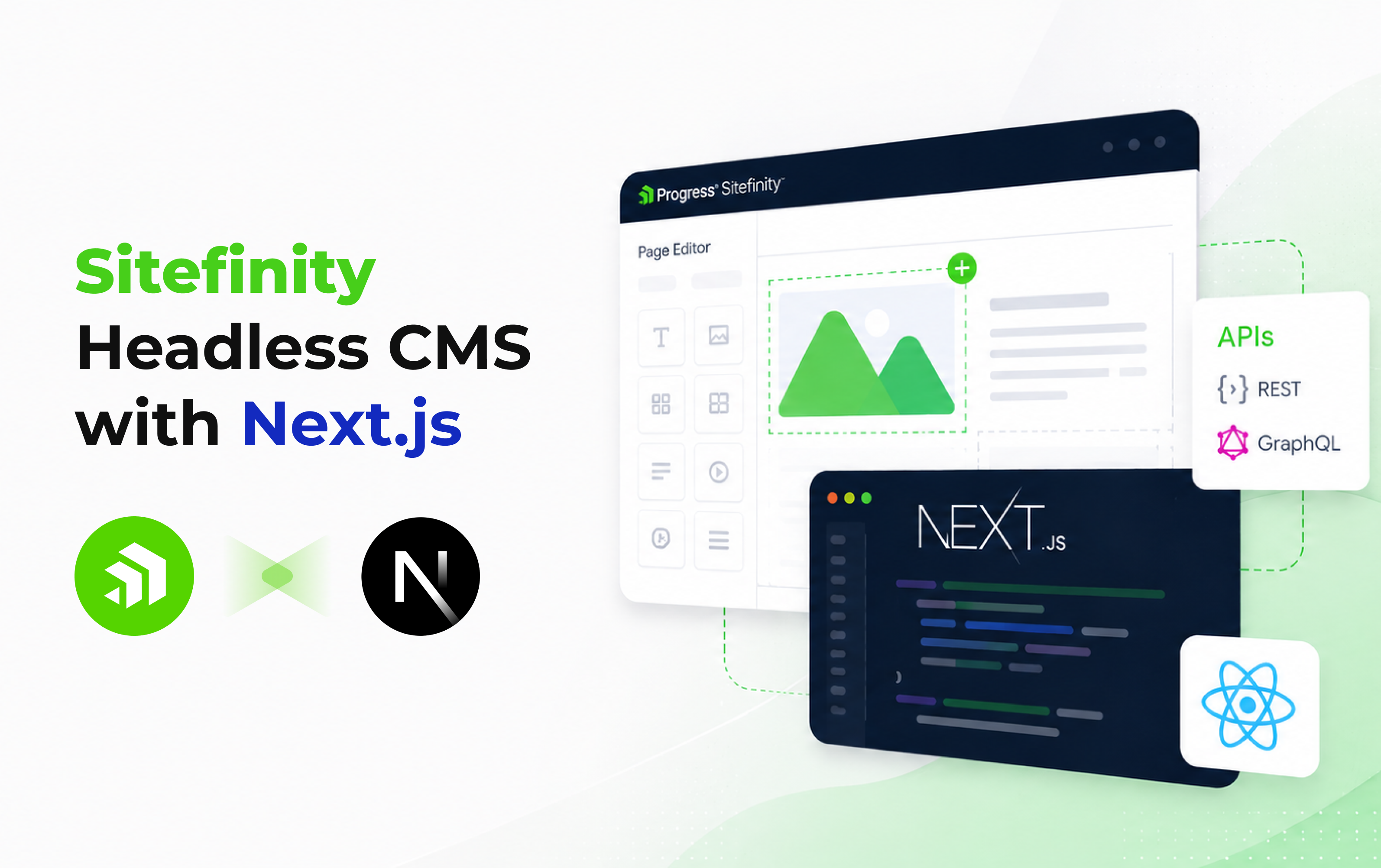
Modern web development teams want two things at once: a powerful CMS that marketers can operate without developer support, and a modern React/Next.js frontend that delivers exceptional performance and developer ergonomics. For years, those goals lived in tension – you either chose a developer-friendly headless CMS with a steep marketer learning curve, or a traditional CMS that developers found constraining.
Sitefinity’s hybrid headless architecture resolves this tension directly. With an official Next.js SDK, REST and GraphQL APIs, and a visual page editor that works seamlessly with decoupled frontends, Sitefinity in 2026 is a compelling choice for teams that want both.
This guide walks through the complete picture: architecture, API setup, Next.js renderer configuration, deployment, and best practices for production-grade implementations.
What Is Sitefinity’s Headless CMS Architecture?
Sitefinity was originally a traditional .NET CMS, but has evolved into an API-first platform that supports three distinct deployment modes simultaneously, a key differentiator from purpose-built headless CMS platforms that force an all-or-nothing architectural commitment.
Traditional, Headless, and Hybrid Headless: Sitefinity’s Three Modes
-
- Traditional (Coupled): Sitefinity manages both content and presentation. Pages are built with drag-and-drop widgets and rendered server-side in ASP.NET Core. No separate frontend framework required.
- Pure Headless: Sitefinity acts exclusively as a content API backend. Content is fetched via REST or GraphQL by any external frontend (Next.js, React app, mobile app, kiosk). Sitefinity has no involvement in rendering.
- Hybrid Headless: The most powerful model. Sitefinity manages pages and content; Next.js (or React) handles rendering. Content teams use the same WYSIWYG page builder and drag-and-drop widgets they know — but the output is rendered by Next.js for superior performance, SEO, and frontend flexibility. Legacy pages can keep traditional rendering while new sections move to Next.js progressively.
How the Sitefinity Decoupled Architecture Works
In the hybrid headless model, Sitefinity operates as a three-tier architecture: the CMS backend (content management, personalization, workflow), a middleware layer (Sitefinity’s Layout Service and Page API), and the Next.js frontend renderer. The Layout Service translates Sitefinity’s page structure into a format Next.js can consume, while content APIs deliver structured data for widgets and dynamic modules. This means the Next.js renderer is aware of page structure, widget placement, and personalization rules — not just raw content.
REST+GQL – Both API protocols supported
Official – Next.js SDK maintained by Progress
Hybrid – Mix Next.js and classic pages in one site
ISR Ready – Next.js ISR/SSG/SSR all supported
Sitefinity’s Headless APIs: REST, OData, and GraphQL
All headless content delivery in Sitefinity is handled through its Web Services layer, which exposes content types (blog posts, news, dynamic modules, pages) through configurable REST/OData and GraphQL endpoints. These are not read-only endpoints — they support full CRUD operations for content that needs to be created or updated programmatically.
Setting Up Web Services in the Sitefinity Backend
-
- Navigate to Administration → Web Services in the Sitefinity backend.
- Create a new Web Service definition (or modify the default one).
- Select which content types to expose: pages, news, blogs, custom dynamic modules, etc.
- Choose the protocol: REST/OData (default, widely supported) or GraphQL (available through the same UI, ideal for precise field selection).
- Configure authentication — Sitefinity supports anonymous access for public content and token-based auth for protected or personalized content.
REST/OData vs GraphQL: Which Should You Use?
REST/OData is the more mature, better-documented choice and works out of the box with Sitefinity’s official Next.js SDK. It’s the recommended starting point for most Next.js integrations. GraphQL is preferable when your frontend needs to fetch multiple related content types in a single network request or when precise field selection is critical for mobile performance. Both are configured through the same Sitefinity admin UI and can run simultaneously.
Building with the Sitefinity Next.js Renderer: Setup Guide
Prerequisites: Sitefinity Version and Environment Setup
-
- Sitefinity CMS version 14.0 or later (ASP.NET Core-based installations recommended)
- Node.js 18+ and npm or yarn
- A configured Sitefinity Web Service endpoint with at least one content type exposed
- Sitefinity Cloud or a self-hosted Sitefinity instance accessible from your Next.js development environment
Installing the Official Sitefinity Next.js SDK
Progress maintains an official Next.js renderer and SDK released alongside Sitefinity platform updates, meaning you’re not relying on community-maintained integrations that may lag behind platform releases.
# Clone the official Next.js renderer starter
npx create-next-app@latest my-sitefinity-site \
–example https://github.com/Sitefinity/nextjs-renderer
# Install the Sitefinity SDK
npm install @progress/sitefinity-nextjs-sdk
Connecting Next.js to Sitefinity Content and Pages
The core configuration is managed through environment variables that tell Next.js where your Sitefinity instance lives and how to authenticate. The SDK provides typed hooks and utilities for fetching content, resolving page routes, and rendering widgets:
# .env.local
SF_CMS_URL=https://your-sitefinity-instance.com
SF_API_KEY=your-api-key
SF_SDK_CACHE=true
SF_SDK_CACHE_REVALIDATE=60 # ISR revalidation in seconds
The SDK’s caching layer controls how Next.js data caching behaves for REST calls, enabling full ISR (Incremental Static Regeneration) support. Cache revalidation can be set per page type — marketing landing pages can cache aggressively while news or blog content revalidates more frequently.
Working with Sitefinity Widgets in Next.js
One of the most significant advantages of Sitefinity’s hybrid headless approach is that the same widget system used in traditional Sitefinity pages works in the Next.js renderer. The official SDK ships with React implementations of core Sitefinity widgets (content blocks, image galleries, forms, navigation, search). Custom widgets developed for traditional Sitefinity deployments can be progressively migrated to React/Next.js equivalents using the SDK’s widget registration system — removing the need to rewrite the entire site before moving to headless.
Deploying Sitefinity + Next.js: Hosting Options
Sitefinity Cloud + Next.js (Recommended)
Sitefinity Cloud hosts both the CMS backend and the Next.js renderer app in a managed Azure environment. Progress handles infrastructure management, scaling, security patching, and CDN configuration. This is the lowest-friction option for organizations that don’t want to manage Azure App Service deployments, load balancers, and SSL certificates themselves. Sitefinity Cloud also supports environment-specific builds (development, staging, production) with simple promotion workflows.
Self-Hosted and Hybrid Deployment Scenarios
Organizations with existing Azure, AWS, or on-premise infrastructure can self-host both the Sitefinity backend and the Next.js renderer. Common patterns include: hosting Next.js on Vercel (for automatic ISR, edge functions, and preview deployments) with a self-hosted Sitefinity backend on Azure App Service, or running both in a containerized Azure Kubernetes Service cluster for organizations with strict data residency requirements.
Performance, SEO, and Personalization in Headless Sitefinity
Performance: Next.js’s SSG and ISR capabilities mean Sitefinity content can be served as pre-built static HTML — achieving Core Web Vitals scores that traditional server-rendered ASP.NET pages cannot match. High-traffic landing pages built as static Next.js pages typically deliver LCP under 1.5 seconds and CLS near zero.
SEO: Next.js’s server-side rendering support ensures all content is fully indexable by search engines without JavaScript execution. Sitefinity headless CMS side SEO tools (meta tags, canonical URLs, structured data/Schema.org markup, sitemap generation) continue to work in hybrid headless mode — content authors manage SEO metadata in the Sitefinity editor and the Next.js renderer outputs it correctly in the document.
Personalization: Sitefinity Insight’s personalization rules work in the headless model. The Layout Service API includes personalization data for each page zone, and the Next.js SDK handles rendering the correct variant for each visitor segment. This maintains the full power of Sitefinity’s marketing personalization engine without requiring any client-side A/B framework.
Sitefinity Headless vs Other Headless CMS Options for Next.js
|
CMS |
Visual Editing | Personalization | Official Next.js SDK | Enterprise Auth/Multisite |
On-Premise Option |
| Sitefinity |
✅ Full WYSIWYG |
✅ Native (Insight) | ✅ Official (Progress) | ✅ Built-in |
✅ |
| Contentful |
⚠️ Limited preview |
⚠️ Via integrations | Community SDK | ✅ |
❌ SaaS only |
| Storyblok |
✅ Strong visual editor |
⚠️ Basic | ✅ Official | ⚠️ Limited |
❌ SaaS only |
| Sanity |
⚠️ Partial (Studio) |
❌ External tools | Community | ⚠️ |
❌ SaaS only |
| Strapi |
❌ None |
❌ | Community | ⚠️ |
✅ Self-hosted |
Sitefinity’s unique advantage: It’s the only option on this list that combines a full WYSIWYG visual page editor for content teams, native enterprise personalization, an officially-maintained Next.js SDK, and on-premise deployment options, while remaining accessible to non-technical marketers.

This article was originally published on the Kernshell blog. Read the full version on Medium: Sitefinity Headless CMS with Next.js


